Cart
0
Tesla Ambient Light Kits: What to Check Before Adding BSD Cues
Choose cabin lighting by the job it needs to do. Compare factory warning features, kit configurations, installer questions and a parked handover checklist.

In this guide
Choose an ambient light kit for the cabin change you actually want: a decorative glow, documented vehicle-linked cues, or both. Before buying a BSD-labeled kit, check the warning features already fitted to your Tesla and the exact accessory connection. Additional lighting does not establish better blind-spot detection or replace attentive driving.
The worthwhile result is a cabin you enjoy coming back to after a long day, with controls and warnings that remain familiar. That starts with a clearer purchase brief than “more lights.” This guide separates the lighting decisions, explains what to ask an installer, and gives you a parked handover checklist.
Key takeaways
4 points- Check your Tesla’s existing warning lights and accent-light functions before adding a second visual cue.
- Choose the vehicle configuration and documented signal behavior before choosing color.
- Budget for the correct installation and a parked handover, not only the kit.
- Keep mirrors, shoulder checks and the vehicle’s own warnings central to every journey.
How we researched this guide: We reviewed TERVELIO’s current product description and configurations, plus Tesla’s North American owner guidance for lighting-related warnings, cameras and modifications. This is a researched buying and handover guide; we have not performed an installation or road test of this kit.
Which lighting job do you want to solve?
A cabin glow can be an appearance choice. A warning cue is an information choice. Mixing them together too early makes it hard to assess a kit: a vivid color demonstration tells you little about the source, timing or reliability of a signal.
Write one sentence about the change you want. “I would like a softer-looking cabin during evening trips” points toward decorative lighting. “I want an additional visual indication of a documented vehicle event” points toward the kit’s connection and function information. Neither goal requires a promise that the accessory can see objects the car cannot.
| Your goal | What to compare | When to skip the change |
|---|---|---|
| A different evening cabin appearance | Lighting location, color controls, brightness controls and how to turn it off. | You like the existing cabin lighting or do not want trim removal. |
| An additional vehicle-linked cue | The documented signal source, supported event and exact harness version. | The function is explained only by an animation or a broad BSD label. |
| Both appearance and event cues | How an alert differs from the decorative setting and which controls take priority. | The two modes are hard to distinguish or distract you during the parked demonstration. |
What does your Tesla already provide?
Begin in the vehicle’s own settings while parked. The current North American Model 3 Lane Assist manual describes blind-spot warning lights and a setting for warning accent lights; the corresponding Model Y guidance also describes these functions. Equipment, market and software matter, so look at your actual car rather than expecting every Tesla to display the same controls.
If the original warning already meets your need, an aftermarket cue may add complexity without adding a useful daily function. If you mainly want a different cabin appearance, say so. It gives the installer a clear brief and prevents a cosmetic purchase from being framed as a safety upgrade.
The side-camera view, factory warning light and aftermarket lighting strip also occupy different places in your attention. Work out which information you will use before adding another display. Tesla’s camera guidance still requires direct observation; an extra light does not tell you that a lane is clear.
What can you compare in the TERVELIO kit?
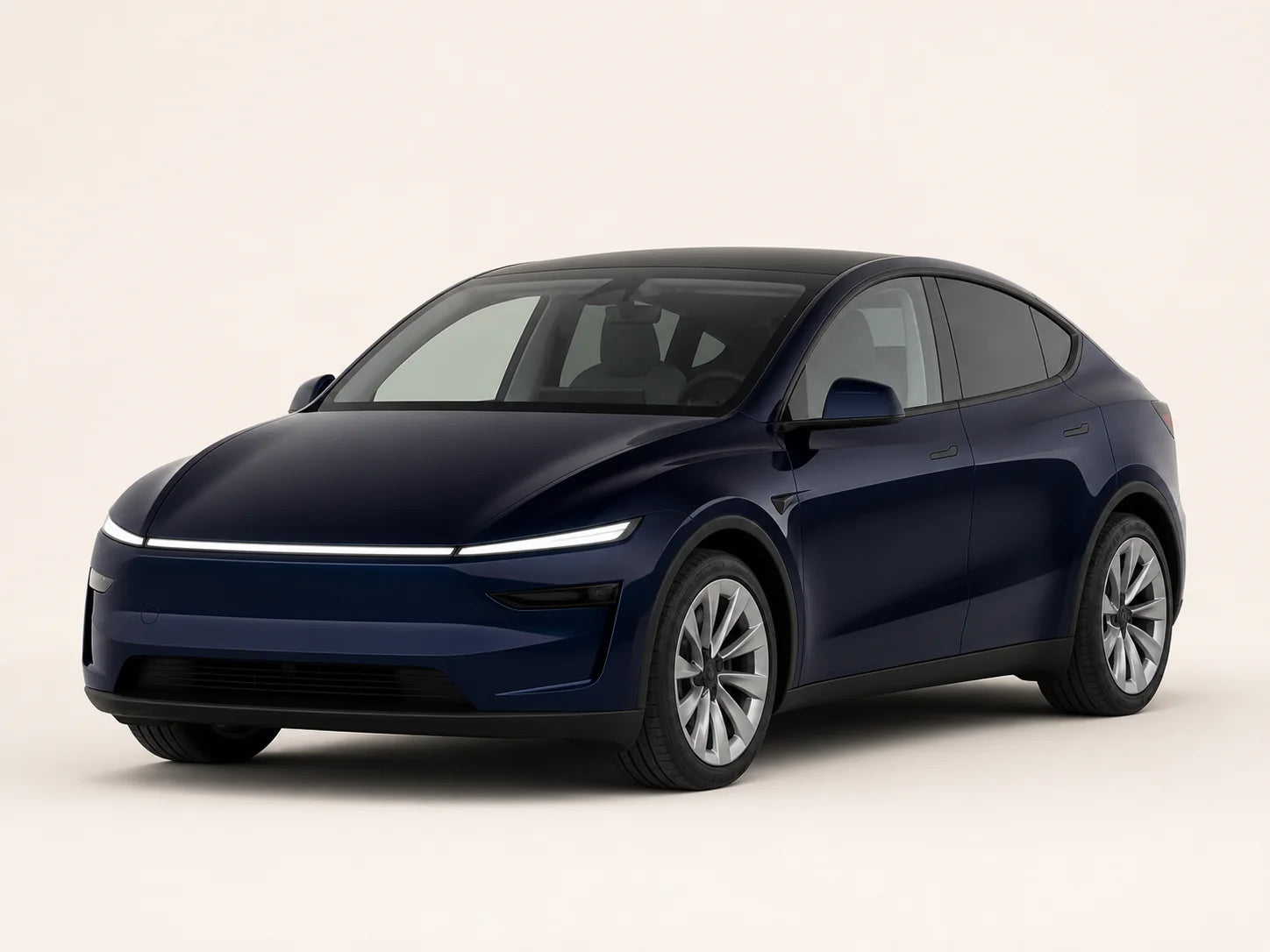
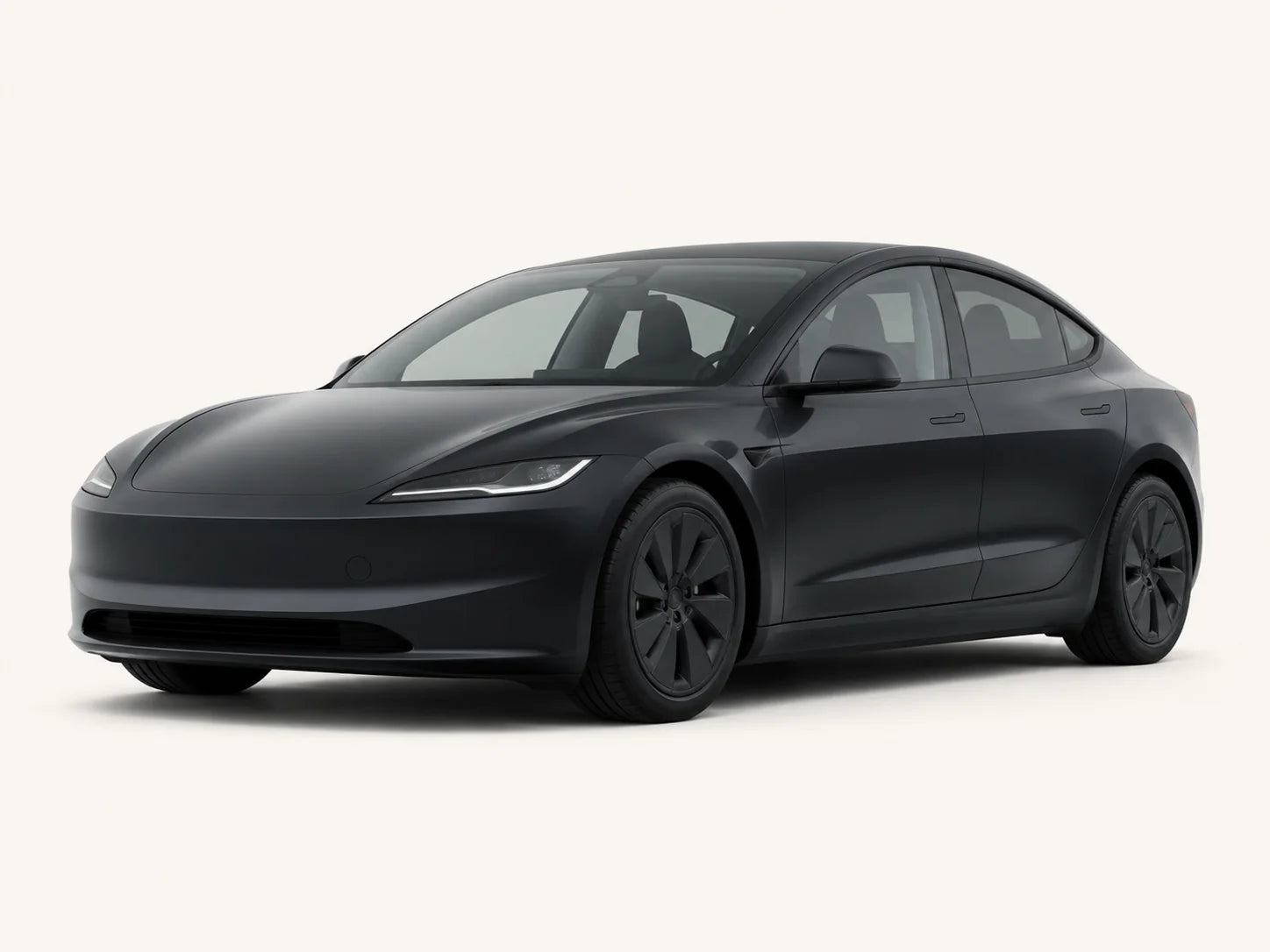
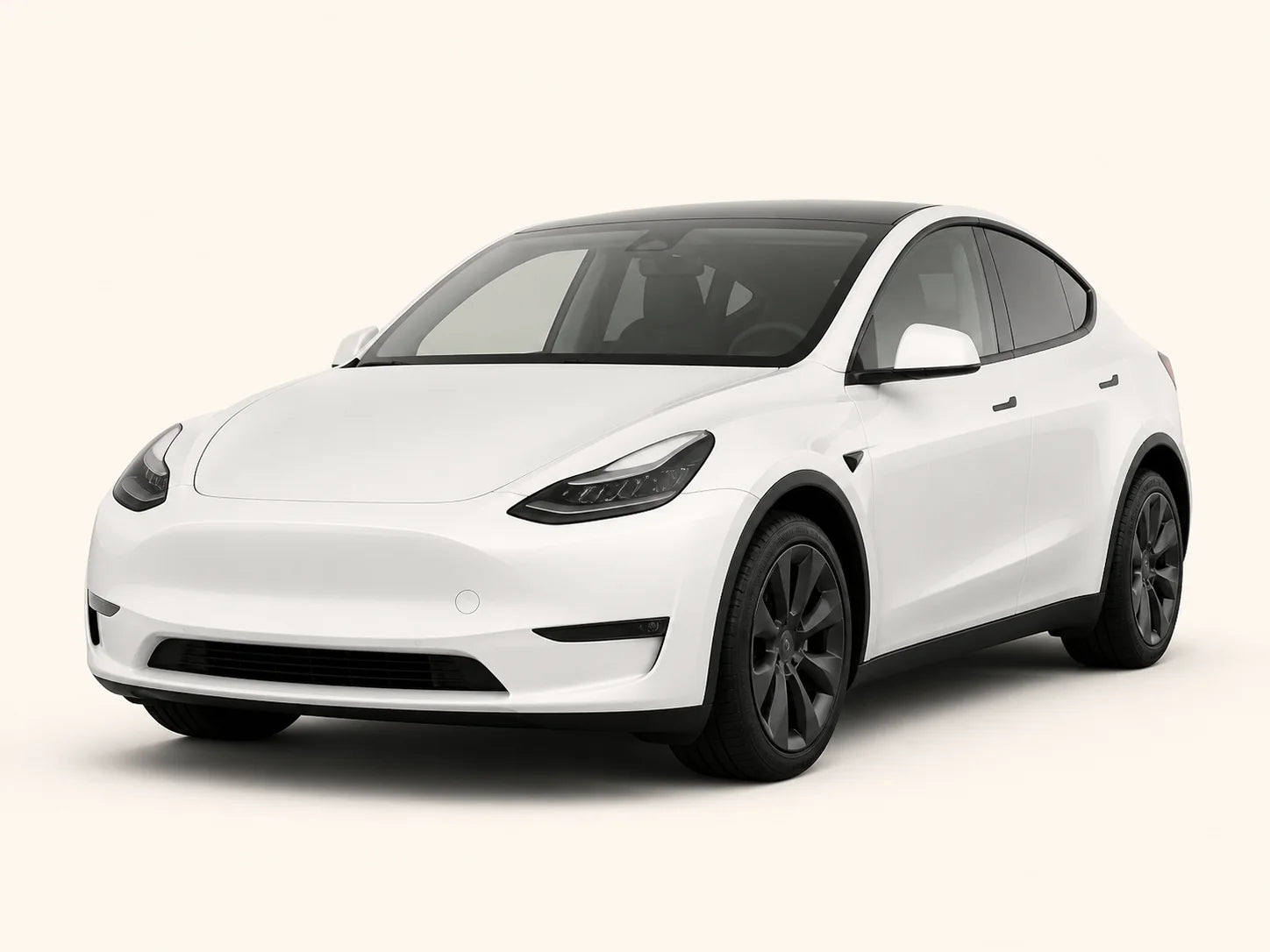
The product description presents an electronic kit with customizable cabin lighting and visual cues associated with blind-spot, turn-signal, door-status and climate-setting events. Its selector separates “2017–2020 Model 3/Y,” “2021–2024 Model 3/Y” and “Refreshed Model 3/Y.” Those names are ordering groups; they are not a complete map of every year, market or electrical architecture.
Use the selector to begin the conversation, then ask for the instructions for the exact configuration. A shared Model 3/Y label does not establish the same harness across both vehicles. The broad older-year group is particularly worth resolving against the actual car before ordering.
Ask for a written description of each supported cue: which vehicle event it uses, which side responds, whether it depends on a setting, and what the normal inactive state looks like. This makes a later handover meaningful. The listing’s supplier-claimed OTA support should be discussed as a support question, rather than treated as a promise that every future vehicle update will preserve every function.
How should you prepare for installation?
Create a small installation packet: model and generation, market, the chosen option, current software version, photographs of the intended lighting areas, and details of any previous electronic accessories. Let the installer identify connections from the correct instructions. A close photo is useful context, but does not authorize a wiring guess.
- Ask for the exact instructions. They should identify the kit configuration, intended connections, mounting areas and cable route.
- Discuss the work involved. Understand which trim areas are opened and who will restore them. Ask how existing controls and wiring will remain accessible.
- Agree the handover checks. Include appearance controls, documented cues, shutdown behavior and any vehicle warning messages.
- Keep a support route. Save the order, instructions and installer record together so a later issue can be explained accurately.
This guide deliberately leaves connector identification, power isolation and trim-removal sequences to the exact instructions and an appropriately qualified installer. Avoid an installer who proposes probing unfamiliar connections or moving safety-related wiring to make the kit reach. Tesla’s Parts and Accessories guidance recommends genuine accessories and excludes damage caused by unapproved parts or modifications from warranty coverage; assess that consequence before an electrical change.
What should the parked handover include?
Ask the installer to demonstrate only the functions that can be checked appropriately in a controlled, parked setting. Review the lighting controls, documented startup and shutdown behavior, and the physical finish. Blind-spot behavior that requires driving needs the correct professional procedure; do not create a traffic situation to provoke an alert.
Look for flicker, unexpected vehicle messages, a cable pressing on a moving part, or a decorative setting that overwhelms other information. Compare the explained behavior with the actual result. If a response is unclear, record what occurred and resolve it before accepting the installation.
For a car shared by two drivers, make the handover understandable to both. Each person should know how to change or disable the appearance setting and how the accessory cue differs from the factory warning. One driver’s preferred brightness does not need to become the household default.
How does this choice fit ordinary family journeys?
Evening school or activity pickup: You may simply want a cabin appearance you enjoy during repeated short trips. Start with the factory lighting and choose a decorative change only if it adds something you will use. Set it while parked, before passengers and bags make the departure hurried.
A shared commuter car: Prioritize familiar controls and a simple explanation of each cue. If the second driver finds an additional signal confusing, that is a practical reason to keep the original setup rather than asking them to learn a new warning language.
A longer weekend journey: Complete the installation and handover in advance. A departure morning is a poor time to discover an unexplained light or open trim panel. Put the kit documentation with the other vehicle records, and address any change in behavior after a software update before the next trip.
FAQs
Does a BSD ambient light kit make my Tesla’s blind-spot system more accurate?
The product name does not establish detection accuracy. A lighting accessory may display an event from a supported connection, but that is different from adding or validating a detection system. Assess the kit by its documented lighting role and supported cues. Keep using the car’s original warnings, mirrors and shoulder checks. If your buying goal is a verified safety improvement, this researched lighting guide does not provide the testing needed to support that claim.
Should I buy it if my refreshed Tesla already has warning accent lights?
First try the original functions described in the manual for your vehicle. If they already meet your needs, an additional linked cue may offer little practical benefit. A decorative lighting change can still be a separate preference, but compare its location and controls with the cabin you already have. Ask the installer how the two systems would behave together before ordering, especially if another driver regularly uses the car.
Can the configuration name alone tell me which harness to order?
No. Use the name as the start of the fit conversation. Provide the actual model, generation and market, then ask for the matching harness information and instructions. The selector combines Model 3 and Model Y into broad groups, so a year label should not stand in for an electrical check. Include previous electronic modifications. Resolve the configuration before choosing appearance settings or arranging installation.
What should I ask about turn-signal and door-status lighting?
Ask which events the chosen configuration supports, where the information comes from and what the light should do in each documented state. It is useful to know how an inactive cue looks as well as an active one. Ask whether a vehicle setting changes the response, and which functions the installer can demonstrate while parked. A short visual clip is helpful for appearance, but cannot explain an unseen connection or every operating condition.
Is professional installation worth including in the budget?
Include the work involved in the decision before comparing the kit price. Trim removal, connection identification, cable routing and a documented handover are different tasks from choosing a color. Read the exact instructions to determine the skills required. If a connection or procedure is unclear, use an appropriately qualified installer and resolve the gap before the vehicle is opened. A lower purchase price is not a substitute for a correctly understood installation.
What does the OTA-support wording mean for a future Tesla update?
Treat the supplier’s OTA wording as something to clarify, not a lifetime compatibility guarantee. Ask which configurations and vehicle software versions the support statement covers and what to do if a cue changes after an update. Keep the product and installation records. If new flicker, warnings or unexplained behavior appear, stop using the accessory and ask the installer or support team to review it rather than repeatedly changing connections.
How do I choose a brightness setting for a car shared by two people?
Compare the appearance from both normal seating positions while parked, under the lighting conditions in which you usually start a journey. Choose a setting that each driver understands and can change or switch off before leaving. Decorative lighting should not compete with the vehicle’s warning information. If the linked alert and decorative setting are hard to distinguish during the demonstration, resolve that behavior before adopting the setup.
What records are worth keeping after the installation?
Save the exact option name, instructions, installation date and installer details, with photographs of the finished areas. Note the vehicle software version and the functions demonstrated at handover. This short record helps distinguish an appearance question from a changed event response later. It is more useful than a color video alone, and gives support a concrete starting point if a warning message or lighting change appears.
A practical next step
Decide whether the change is for appearance, documented cues or both. Then review the kit’s exact configurations and current price and send your vehicle and installation questions before arranging the work.
Sources
Product listings and owner information reviewed on October 7, 2026. Tesla sources below cover the named North American vehicle versions; follow the manual for your own car.
Sources and references
- [1] BSD Blind Spot Monitoring Ambient Light Kit for Tesla Model 3/Y — Kit role, named vehicle groups and supplier-described lighting functions. Accessed October 7, 2026.
- [2] Tesla Owner’s Manual — Model 3 (2024+): Lane Assist — Factory blind-spot warning and accent-light functions; driver responsibility. Accessed October 7, 2026.
- [3] Tesla Owner’s Manual — Model Y (2025+): Lane Assist — Corresponding Model Y factory warning-light functions and limitations. Accessed October 7, 2026.
- [4] Tesla Owner’s Manual — Model 3 (2024+): Cameras — Camera guidance and distinction between a visual cue and direct observation. Accessed October 7, 2026.
- [5] Tesla Owner’s Manual — Model 3 (2024+): Parts and Accessories — Manufacturer position on third-party modifications and damage-related warranty coverage. Accessed October 7, 2026.
The next useful guide, in your inbox.
New fitment notes, installation advice and product releases from TERVELIO.
By subscribing you agree to our Privacy Policy.
Keep reading
View all guides
More guides on this topic
 Mounts, Charging & Electronics · Aug 2026
Tesla Dashboard Phone Mount Placement: Room for the Phone and the DayDecide whether a dashboard mount improves your routine, then check the base, real phone and case, seated view, shared drivers and charging cable while parked.
Mounts, Charging & Electronics · Aug 2026
Tesla Dashboard Phone Mount Placement: Room for the Phone and the DayDecide whether a dashboard mount improves your routine, then check the base, real phone and case, seated view, shared drivers and charging cable while parked.
 Mounts, Charging & Electronics · Aug 2026
Tesla Rotating Screen Mount: Position, Fit and Setup DecisionsDecide whether a rotating display mount solves your real problem. Compare vehicle choices, shared-driver positions, stock settings and the installation handover.
Mounts, Charging & Electronics · Aug 2026
Tesla Rotating Screen Mount: Position, Fit and Setup DecisionsDecide whether a rotating display mount solves your real problem. Compare vehicle choices, shared-driver positions, stock settings and the installation handover.
 Mats, Cleaning & Protection · Oct 2026
Six Surfaces, Six Care Decisions for a Busier Tesla CabinThe cloth for the screen is not the cloth for a muddy mat. Identify the surface, use the right care method and restore fit and access after cleaning.
Mats, Cleaning & Protection · Oct 2026
Six Surfaces, Six Care Decisions for a Busier Tesla CabinThe cloth for the screen is not the cloth for a muddy mat. Identify the surface, use the right care method and restore fit and access after cleaning.